Set Up Okta (OIDC)
This page creates the app in Okta that iKanban signs in through. You need admin access to your Okta org. For another provider, use the values in Company Sign-In: SSO, OIDC and SAML.
1. Create an app integration
In the Okta admin console, go to Applications → Applications and select Create App Integration.
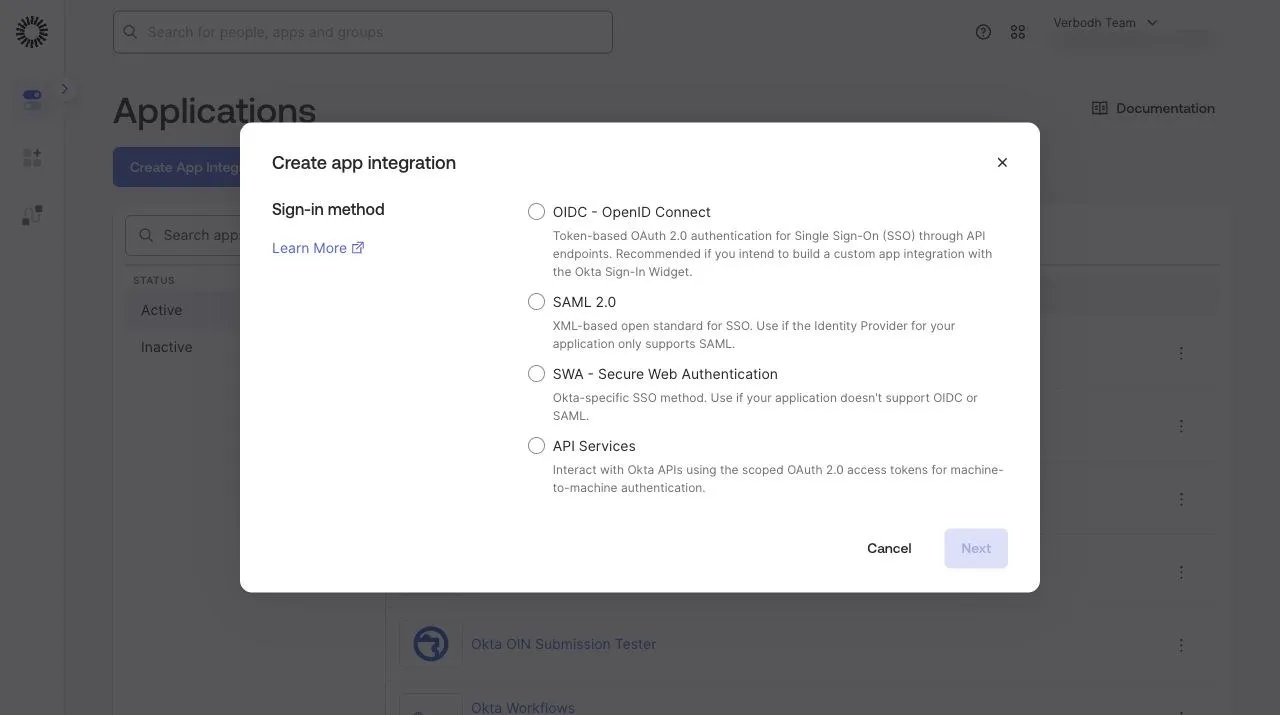
2. Choose OIDC, then Web Application
Choose OIDC - OpenID Connect. For SAML, follow Set up Okta (SAML) instead.
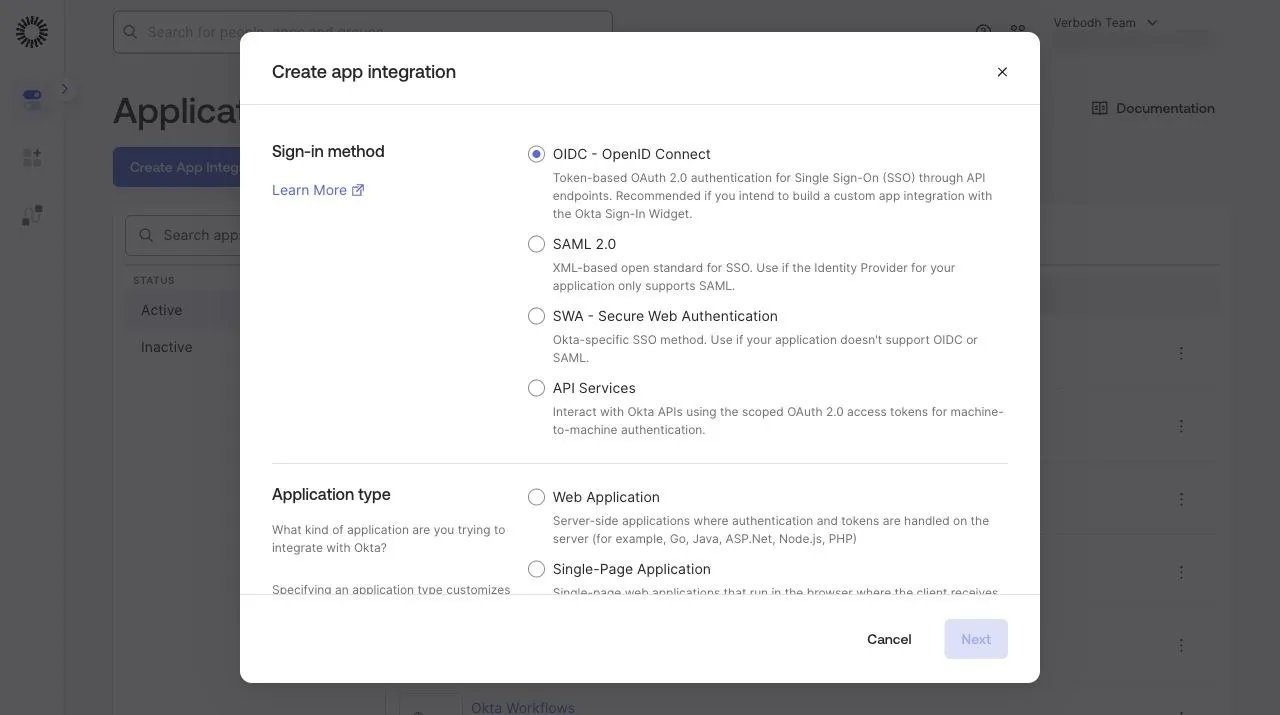
Then choose Web Application and select Next. iKanban's identity service keeps the client secret on the server, so the app is a web application.
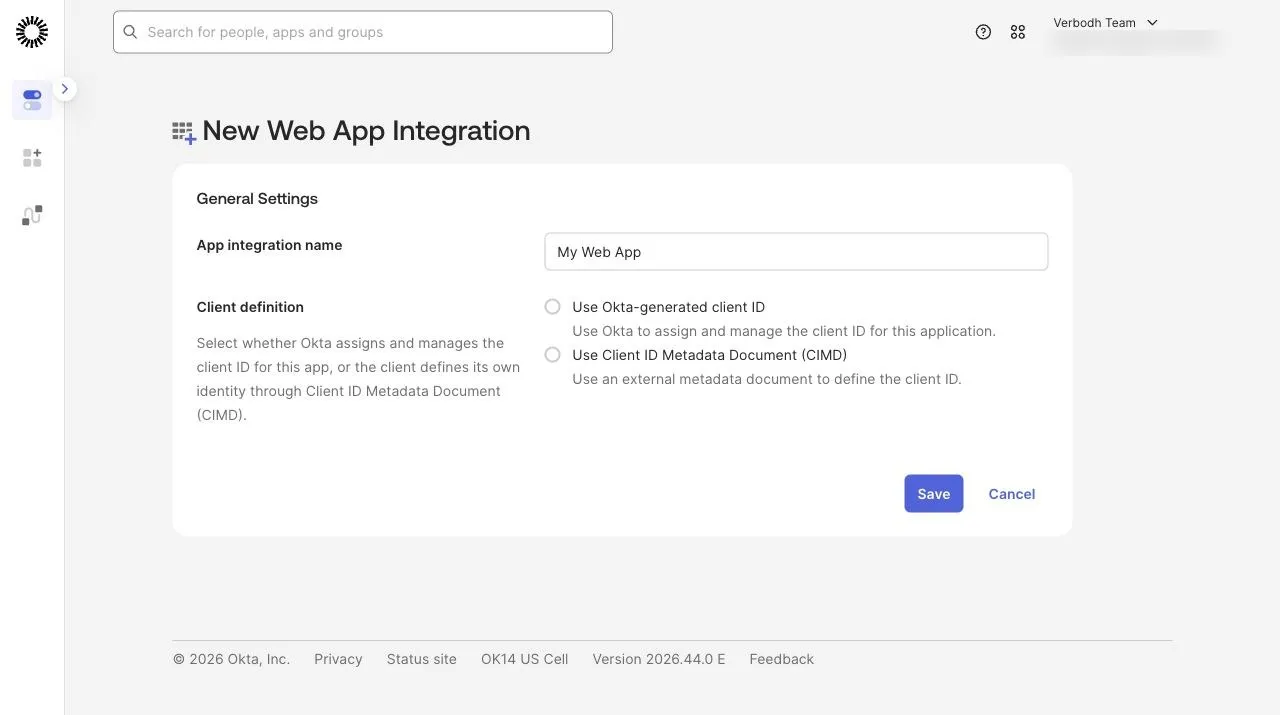
3. Name the app
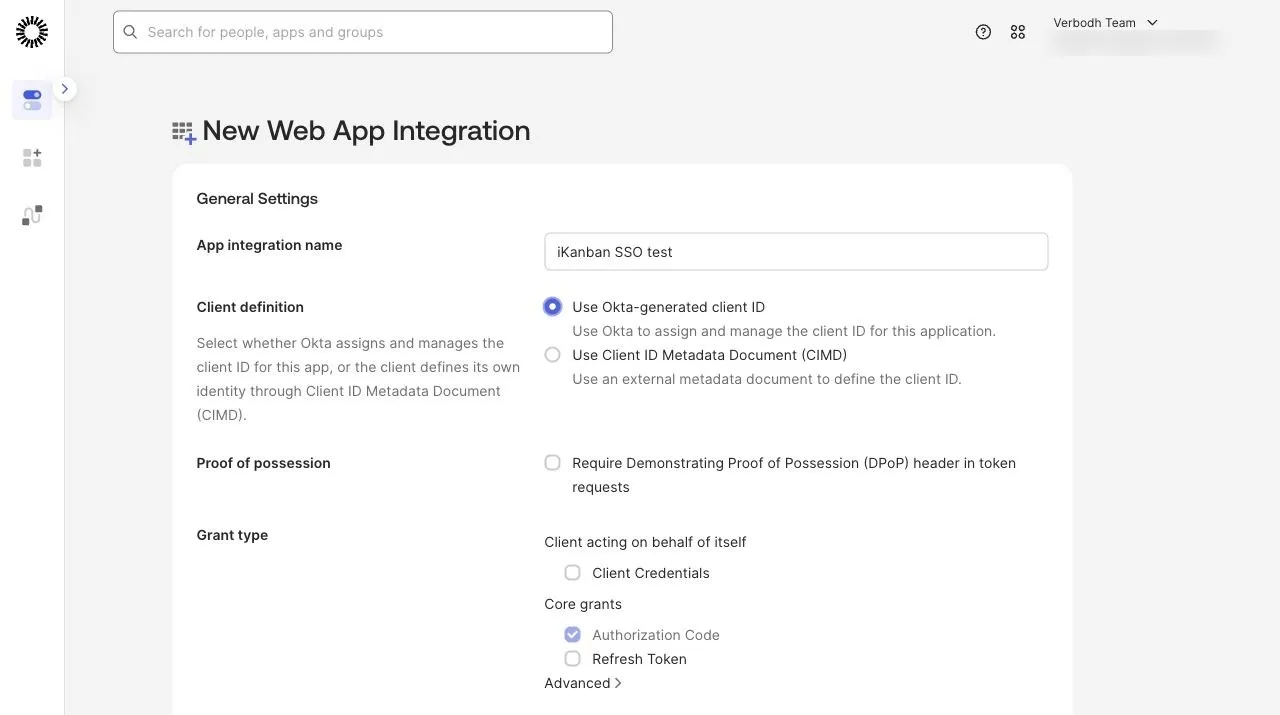
Give the app a name your staff will recognise, such as "iKanban". Keep Use Okta-generated client ID, and keep Authorization Code as the only grant type.
4. Set the redirect URI
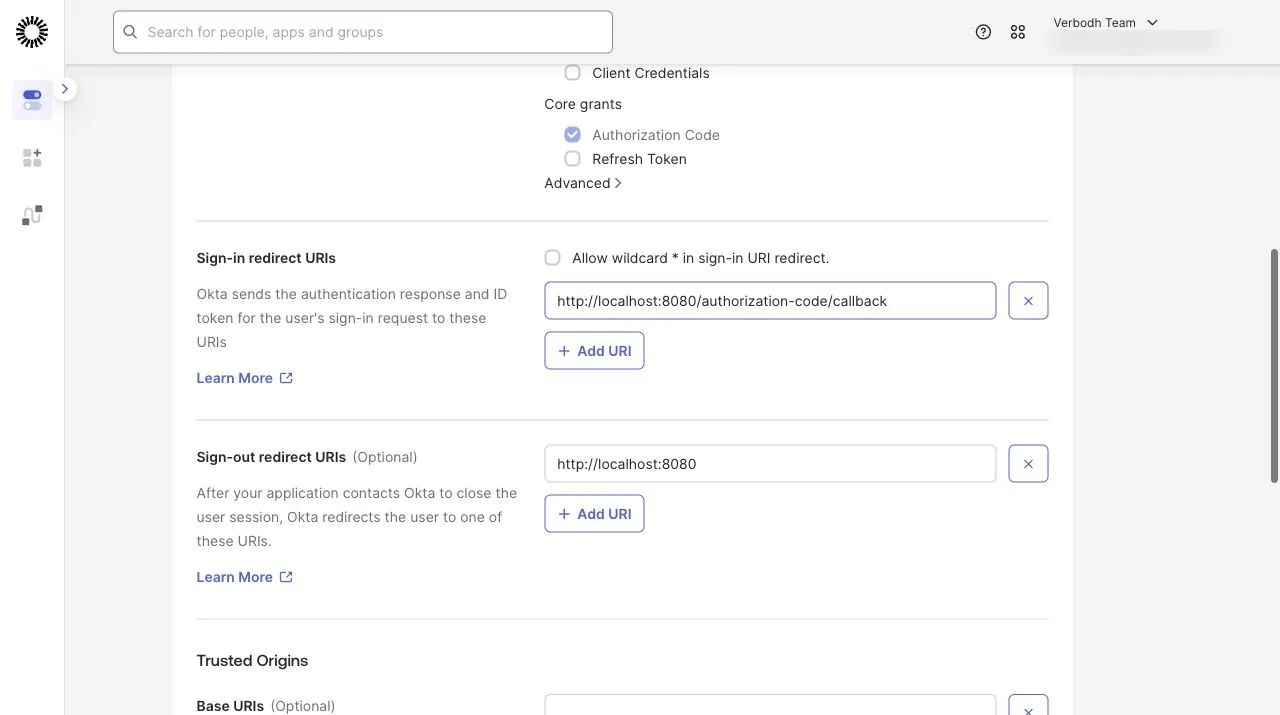
Okta fills in two http://localhost:8080 addresses. Remove both.
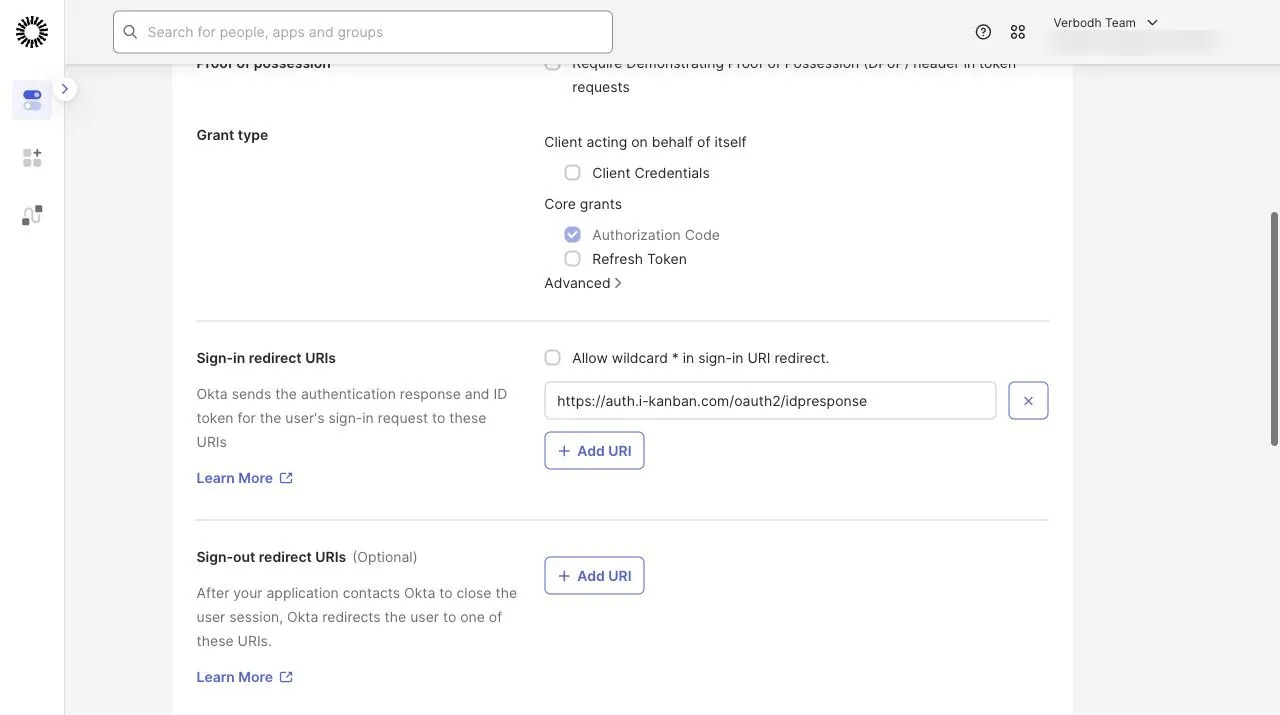
Set Sign-in redirect URIs to https://auth.i-kanban.com/oauth2/idpresponse. Leave Sign-out redirect URIs empty. Under Assignments, choose who may use the app, then select Save.
5. Assign people
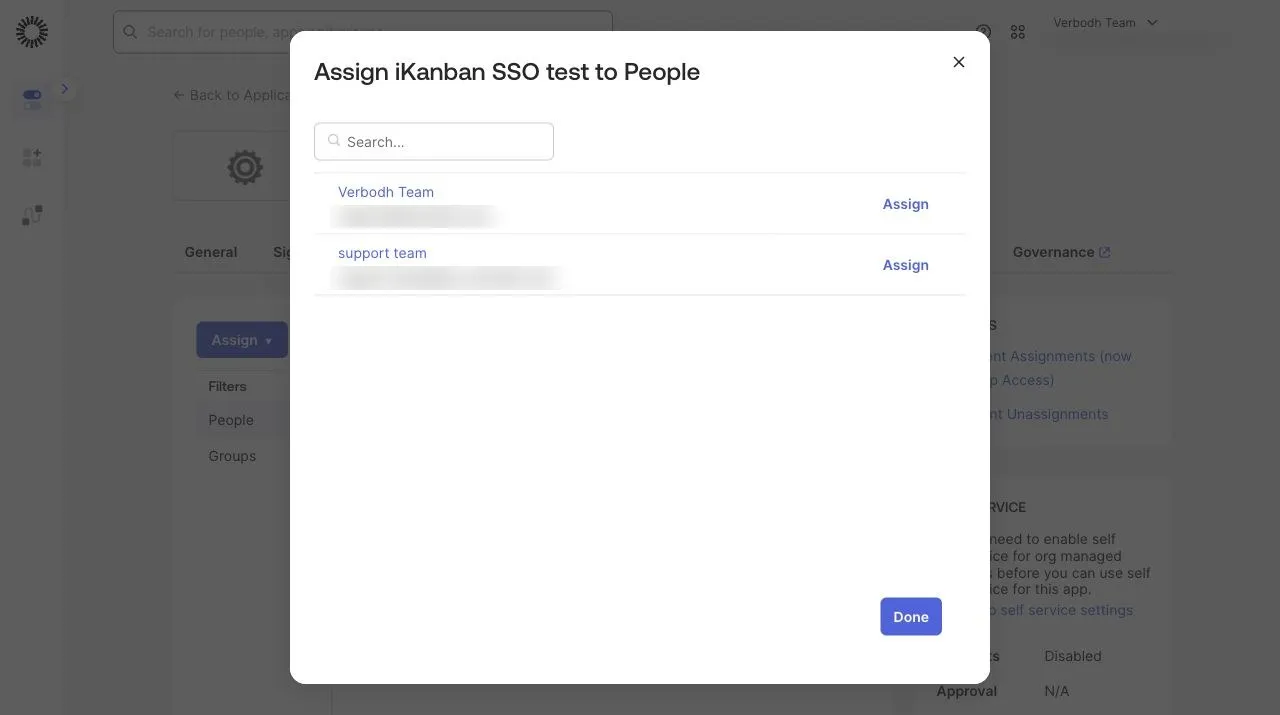
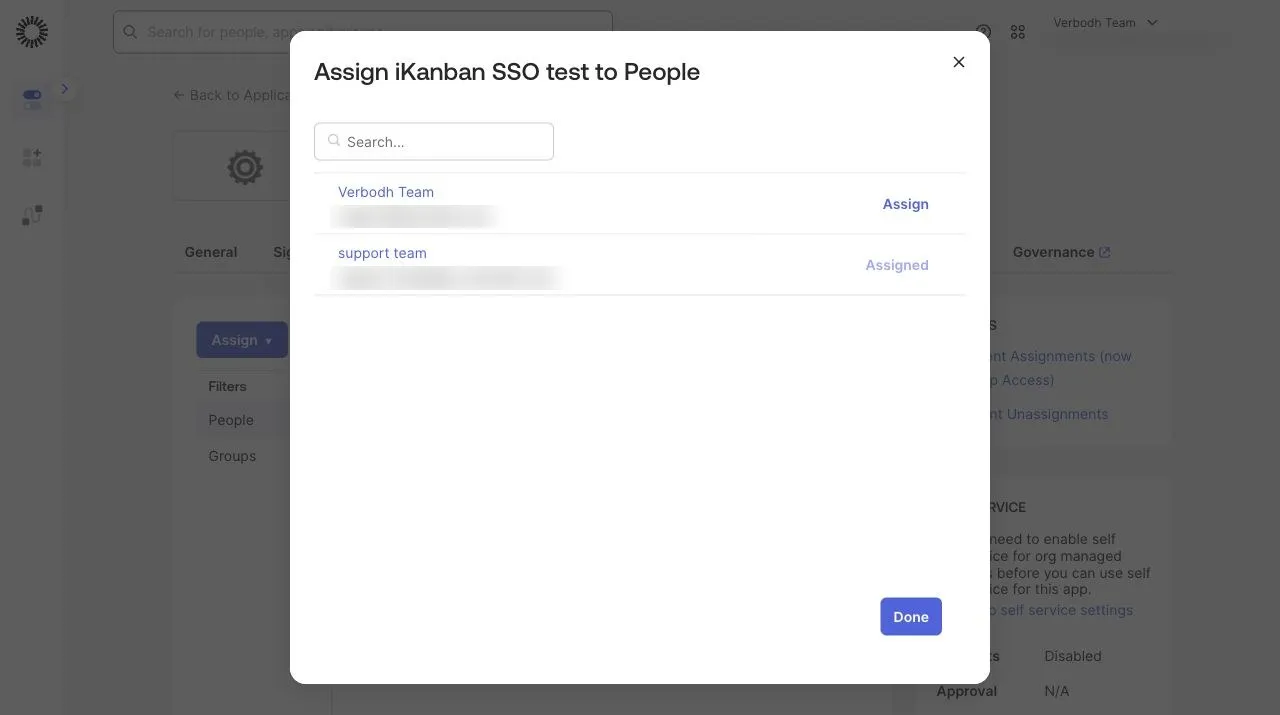
Open the app's Assignments tab and select Assign → Assign to People (or Assign to Groups). Assign a test user first, and the rest of your staff after the test sign-in works.
6. Send the secret in the request body
iKanban's identity service accepts only client_secret_post: the client secret goes in the body of the token request. A new Okta web app uses client_secret_basic, and the Okta admin console does not offer the choice. Change it once with Okta's Apps API:
GET /api/v1/apps/{appId}returns the app.- In that JSON, set
credentials.oauthClient.token_endpoint_auth_methodtoclient_secret_post. PUT /api/v1/apps/{appId}with the same JSON.
The client secret does not change. The identity service is Amazon Cognito, and AWS documents that it does not support client_secret_basic.
7. Keep the client ID and secret
The app's General tab shows the Client ID and the Client Secret. You paste them into iKanban in the next page. Do not send the secret by chat or email.
Your Okta issuer is your org's address, https://<your-org>.okta.com. Do not use the admin console address, which has -admin in it.